
- 1Wearable
- 2Sign in at Oura
- 3Your days
Your history is waiting.
Connect your Oura account. You don’t need a Daytlas account.
Live data from Gen3 and newer rings needs an active Oura Membership. Importing an export file works for everyone.
By connecting, you explicitly agree that Daytlas may process the Oura health data you choose to share, as described in the privacy notice. You can withdraw anytime: disconnect in Daytlas and revoke access in your Oura account.
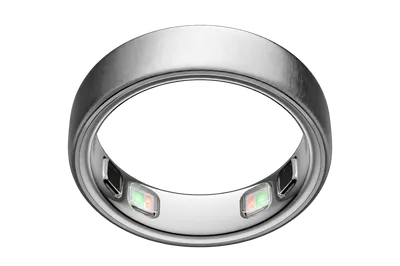
 OuraApple Watch, WHOOP and Polar soon
Import Oura file
No Oura connection needed, so it works for everyone. Choose a CSV or ZIP, then review it before saving. Your file stays in this browser.
Imported records are labelled in the app. They update only when you upload another file.
How to export from OuraData passes through our server to reach your browser. We do not keep a server-side health database. Disconnect anytime in your profile. How your data is handled