Free account sign-in is planned. Your current history and analysis work in your browser.
Premium
Coming soon
Follow a personal change, return to the same view and see how your weeks compare.
Coming soon
Join the first chapter. No subscription today.
An email when Premium is ready, with an early customer offer.
Everything in Free, plus
Personal goals, with every night against them
Name, save and switch between your views
Compare the weeks before and after a change
Fully customizable weekly and monthly reviews
Keep a PDF of the view that matters
Every Premium feature is coming soon. Features that rely on the Oura API will stay free unless Oura agrees otherwise. Availability will be confirmed before launch.
Oura Membership is separate
Your data export stays Free
No automatic upgrade to Premium
Free, today
Everything you see today stays free.
Every view of your history, your comparisons and your exports. Core features. Free forever.
daytlas.com · Day detail
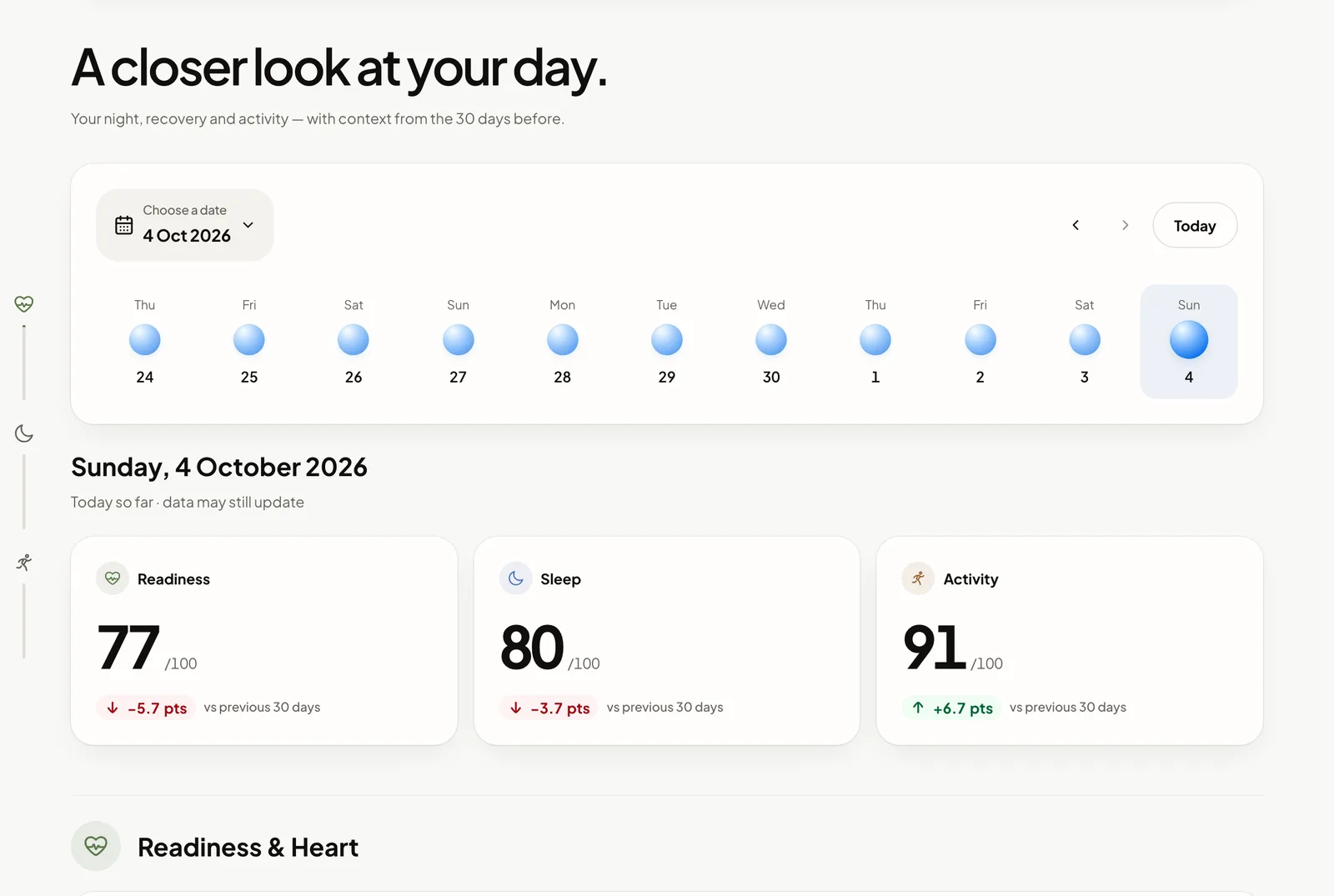
Day detail
Your night, recovery and activity, with the 30 days before.
Free · Available today
daytlas.com · Overview
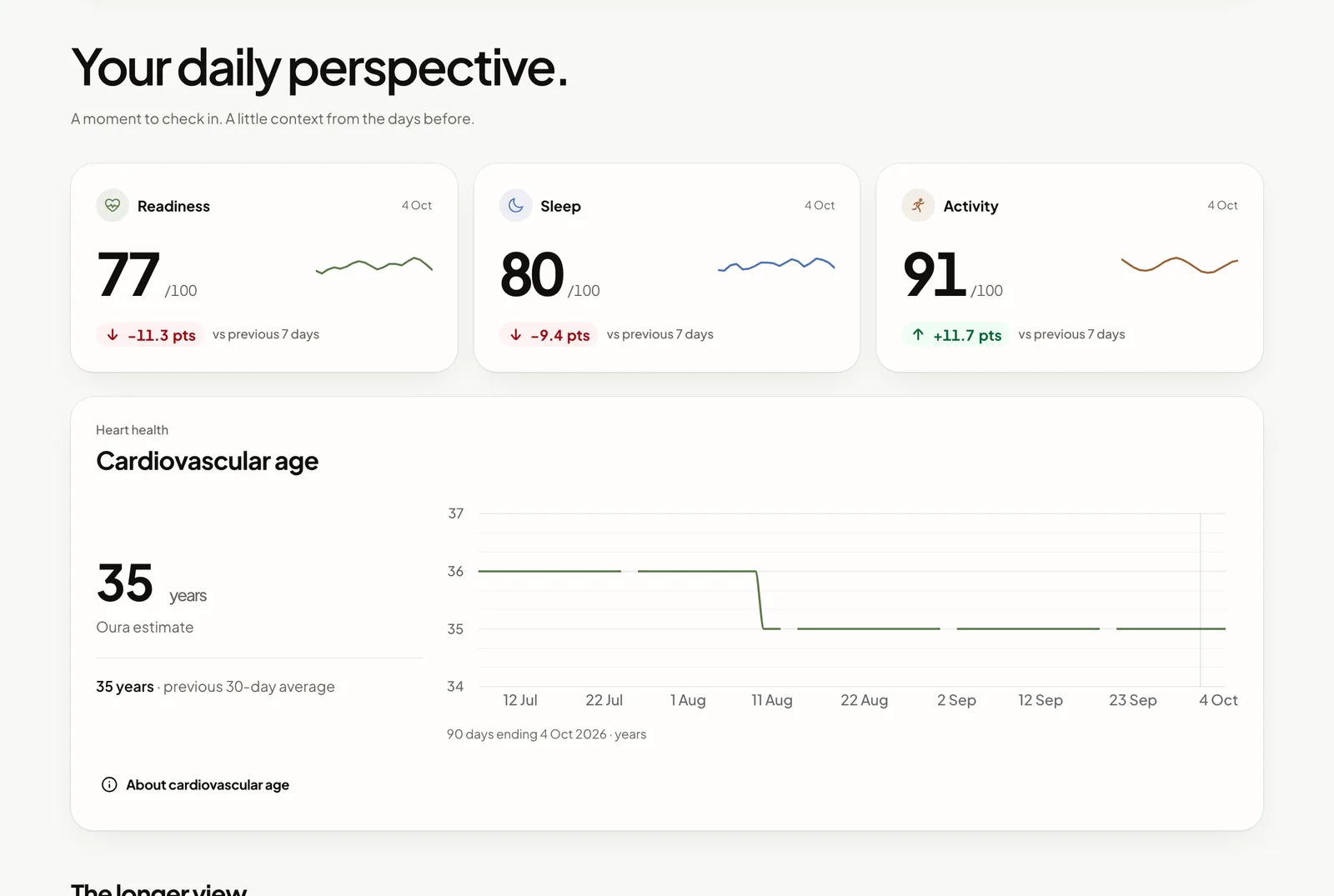
Overview
Your scores today and over recent weeks.
Free · Available today
daytlas.com · Trends
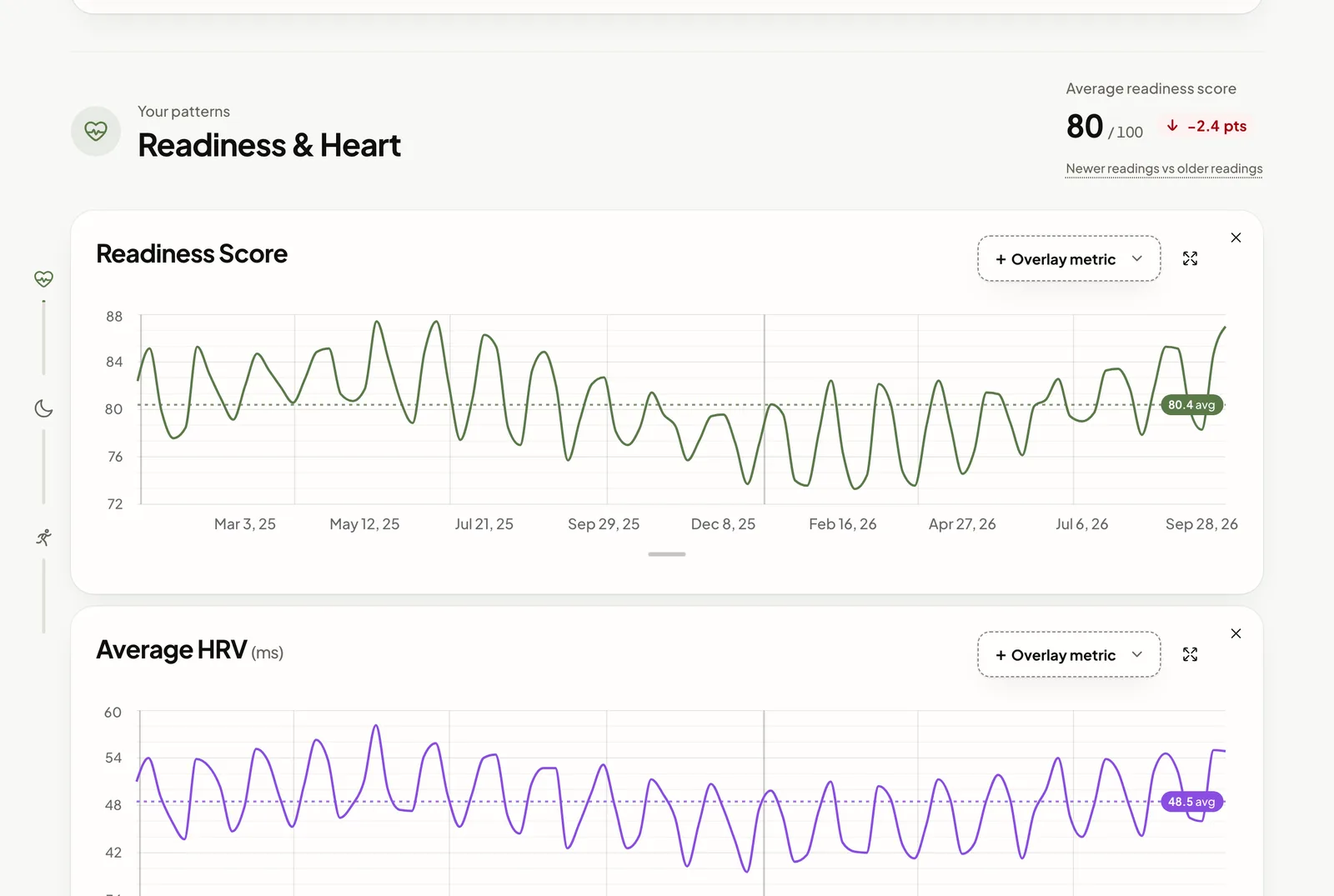
Trends
Choose metrics and periods and compare them.
Free · Available today
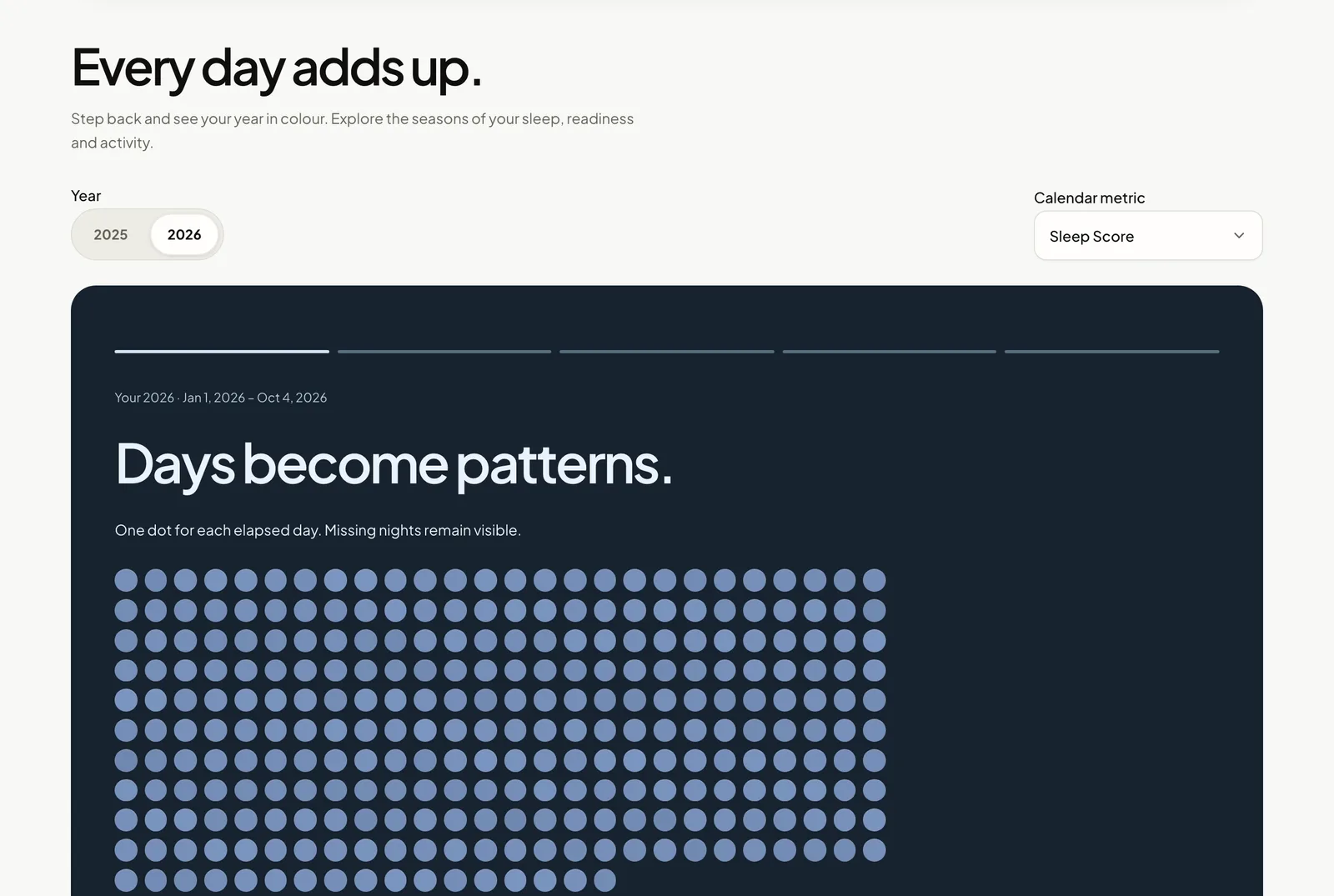
daytlas.com · Your year
Your year
Every day of the year in colour.
Free · Available today
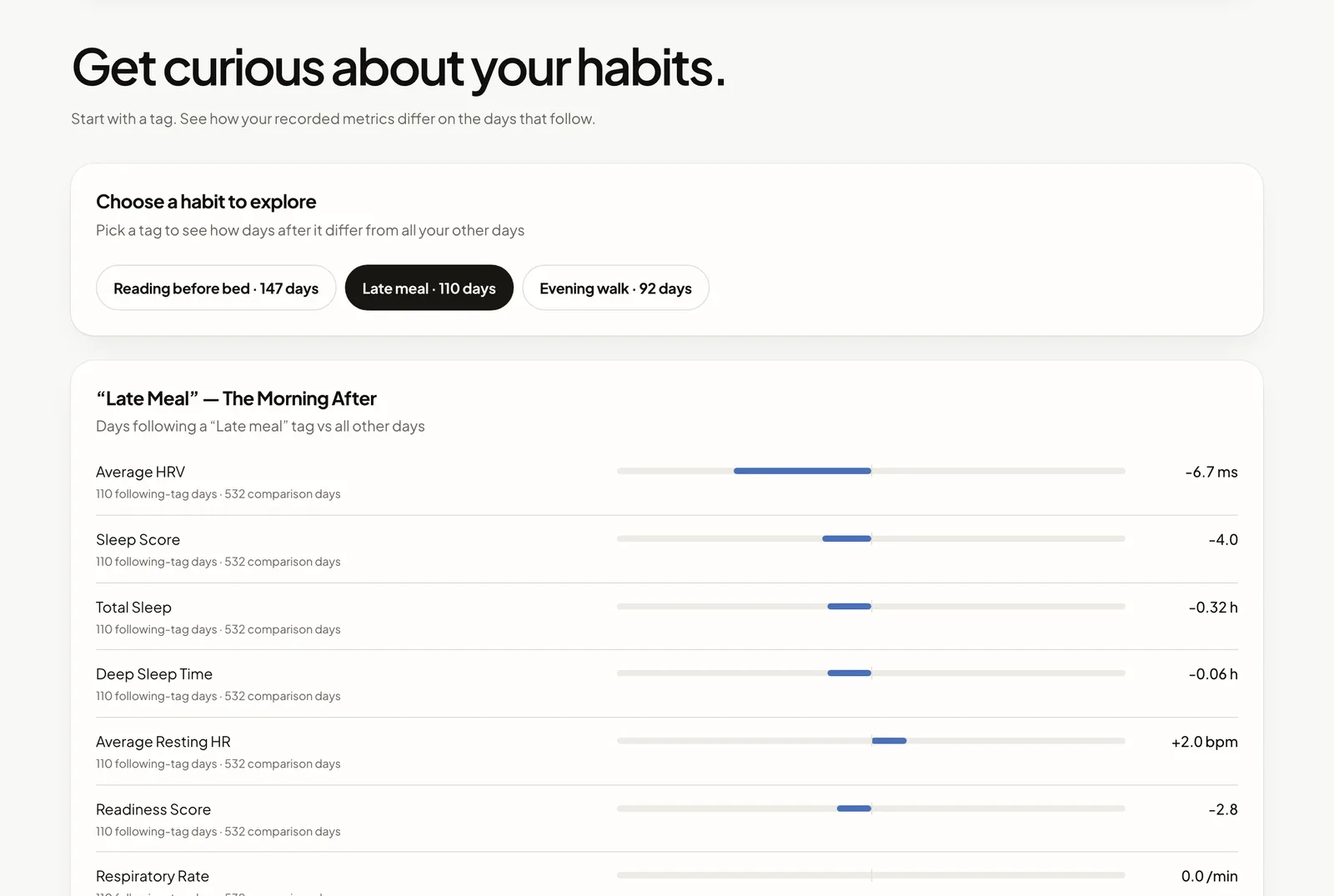
daytlas.com · Tag Lab
Tag Lab
Compare the days after the habits you tag.
Free · Available today
CSVJSON
Export
Your readings as CSV or JSON, whenever you like.
Free · Available today
What Premium adds
Pick up where you left off.
Shape your review, follow a change and keep the context for next time. Features arrive in stages.
Late meals and HRVLast 90 days
Marathon block1 Mar – 30 Apr
Earlier bedtimeMoving window
Saved views
Choose your charts and dates once. Name the view and return to it.
Premium · Coming soon
7h 30m each night
5 of 6 recorded nights
Personal goals
Choose a sleep duration and see each night against it.
Premium · Coming soon
Week 40 · 28 Sep – 4 Oct
Sleep7h 21m+12 min
Readiness82+3
HRV51 ms+2 ms
Your weekly review
The metrics and comparisons you choose, ready each week.
Premium · Coming soon
7h 02mBefore · 14 nights
7h 28mAfter · 13 nights
Earlier bedtime
Follow a change
Compare the weeks before and after, with sample counts and gaps.
Premium · Coming soon
Earlier bedtime1 Sep – 4 Oct 2026PDF
Personal reports
A PDF of the view that matters, with its dates and numbers.
Premium · Coming soon
Your weekly review is readySunday · 9:00
Weekly reminder
An optional email to return to your review. No health values inside.
Premium · Coming soon
→
Backup and restore
A portable copy of your history, views and settings for another browser.
Premium · Coming soon
A reason to come back · Premium preview
One question. A clearer picture, each week.
Choose what you want to understand. Keep the context and compare your weeks, without rebuilding your charts.
01
Keep the question
Name a view with your metrics and dates. Fixed dates or a moving window, such as the last 90 days.
02
Follow what changes
Compare your own periods. See the recorded days and gaps behind every result.
03
Return with context
Open your next review and export a PDF. A weekly email reminder can bring you back.
Your personal reviewInteractive example
Earlier nights. What changed?
Average sleep
7h 28m+22 min vs before
Average HRV
46 ms+3 ms vs before
Nights recorded
13 / 1412 / 14 before
Average sleep by week
8h7h6h
Two weeks beforeTwo weeks after
Longer sleep on the nights you recorded.
Average sleep was 22 minutes longer after your chosen date. This comparison shows an association, not a cause. One night is missing after the change; routine and workload may also matter.
The details
Start with Free. Add continuity with Premium.
Your existing charts and data export stay Free. Premium adds saved context and repeatable reviews.
Free and planned Premium inclusions with current availability
What’s included
Free
Premium
Your everyday analysis
Account sign-inComing soon · registration is free
Soon
Soon
Basic weekly overviewAvailable with enough history and baseline data
Oura connection + supported CSV / ZIP importsFull archive support is still being expanded
Daily views, Trends, Year and existing Tag LabAvailable today
Choose charts, periods and comparison metricsAvailable today
Available history, without a paid date limitSubject to your available data and browser storage
CSV / JSON export of your readingsAvailable today
Keep the context
Personal goals, night by nightPlanned · choose a duration and see each night against it
Soon
Named saved viewsPlanned · no fixed count limit
Soon
Fixed dates and moving date windowsPlanned · reopen, update and switch saved views
Soon
Track a personal change before / afterPlanned · chosen periods, sample counts and gaps
Soon
Fully customizable weekly and monthly reviewsPlanned · calculated when you open the app
Soon
PDF reports of views and comparisonsPlanned · review before exporting
Soon
Your account and tools
Optional weekly email reminderComing soon · a reminder without health values
Soon
Daytlas backup and restoreComing soon · data and setup, without connection tokens
Soon
“Planned” and “Coming soon” mean not available today. Premium is not on sale. Features, pricing and availability will be confirmed before launch. File coverage depends on the records in your export; Oura access and Membership requirements apply separately.
Your data, your way in
Connect once. Or bring your own file.
Both options belong in Free. Choose speed with the Oura connection, or explore a supported export without API access.
The fastest · Recommended
Connect with Oura
The latest data already synced to Oura, through its official API.
Sync your ring in the Oura app first.
Active Oura Membership required for Gen3 and newer.
How the connection works
Sync your ring in the Oura app.
Select Connect with Oura in Daytlas.
Sign in on Oura’s official page and choose what to share.
The API returns the latest readings that Oura has made available. It does not read the ring directly.
No API needed
Import an Oura file
Choose a CSV or ZIP and review what it contains before saving it in your browser.
Full archive coverage is being expanded. Your import shows supported data and any gaps.
Get your Oura archive
Sign in to the official Oura Membership Hub.
Choose Export data, then Request your data.
Wait for Oura’s email. Preparation can take up to 10 days.
Download the archive and choose it in Daytlas.
Check the supported categories and dates, then confirm the local import.
Bring your history and saved setup to another browser.
Data from the Oura connection passes through our server. Your browser stores your history and runs the analysis. Sign-in is planned and will be free; signing in will identify your account, not upload or sync your history. Connecting Oura is a separate step. Current data policy
Before you decide
A few useful answers.
These describe the planned Premium. Today’s product and privacy details are in the privacy policy.
Will the basic app stay free?
Yes. Core features stay free forever: the existing basic analysis, weekly overview, chart selection and CSV/JSON export. Creating an account will be free. Account sign-in is not enabled in the live product yet.
Why pay when I already have Oura Membership?
Oura syncs your ring and provides your daily experience. The planned Premium workflow helps you keep a question, compare your own periods and return to a personal review. Choose it if that ongoing workflow is useful to you; Free remains a complete way to explore your history. Features that rely on the Oura API will stay free unless Oura agrees otherwise.
Can I use Daytlas without Oura Membership?
You can import supported Oura files without API access. Oura says Membership Hub exports are available with or without an active membership and can take up to 10 days to prepare. Live API access requires Membership for Gen3 and newer. Daytlas does not currently read every category in a full archive.
Does signing in sync my history between devices?
No. The planned account manages your identity and Premium access. Your history is stored in the browser you used. On another device, reconnect Oura or import a file. A complete Daytlas backup and restore is planned. Automatic health-history sync would be a separate, opt-in feature.
Are weekly reviews sent by email?
The first planned version calculates your review when you open Daytlas. An optional Premium email reminder can bring you back each week. Sending a detailed personal report while your browser is closed requires a separate service and is not part of this first release.
What happens if I cancel Premium?
The planned plan stays active until the end of the period you paid for, then returns to Free. The Free plan remains. Data retention, saved-view access and export rules will be explained before sales begin.
Is this a medical service or an official Oura product?
Daytlas is independent and is not affiliated with or endorsed by Oura. Reviews describe observations in available wearable data. They do not diagnose conditions or establish that a habit caused a change.
Independent of Oura. Built for your bigger picture.
Explore Daytlas
Your ring keeps notes.Time to read them.
Connect Oura to explore your own history, or start with the demo and invented data.